AI-READY
Describe the schema — get the API
Plug in any AI tool — and tell it what to build.
What is DynapiCMS
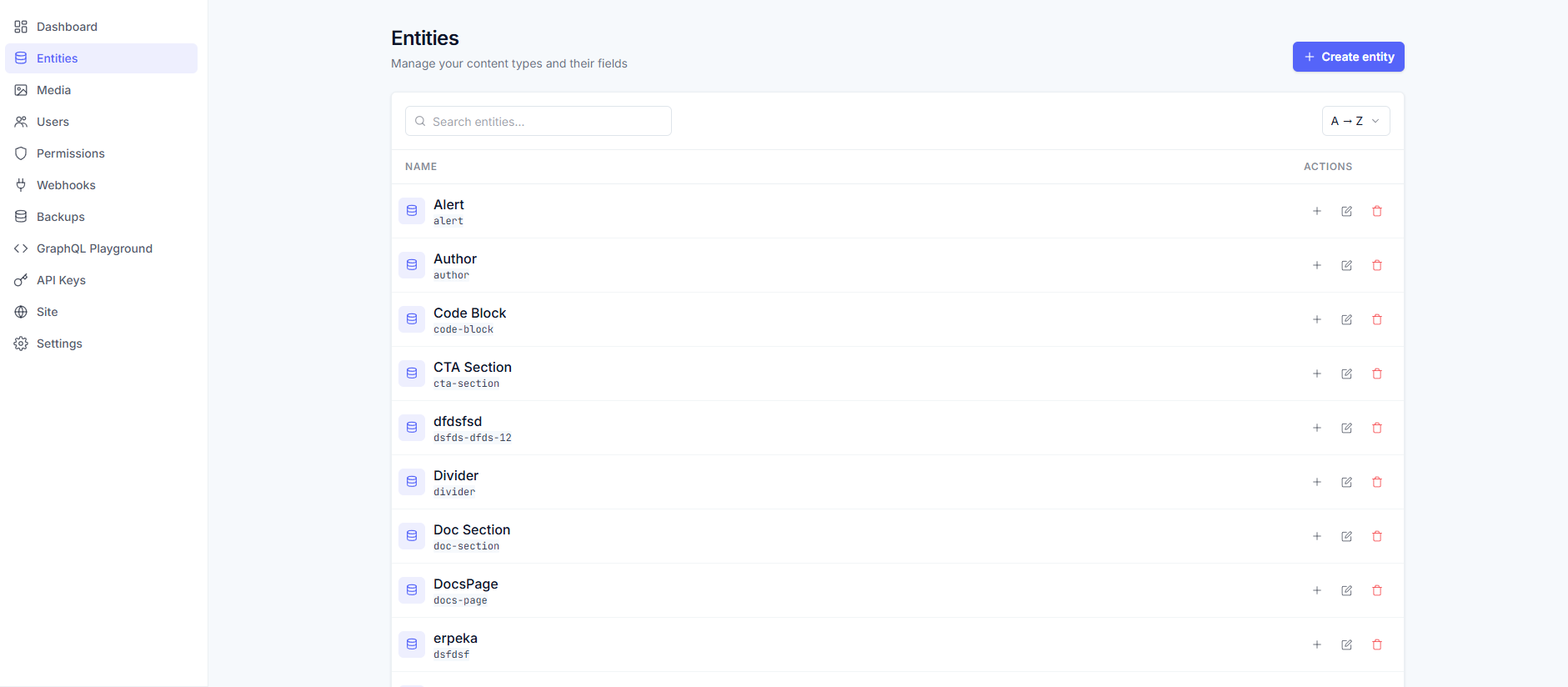
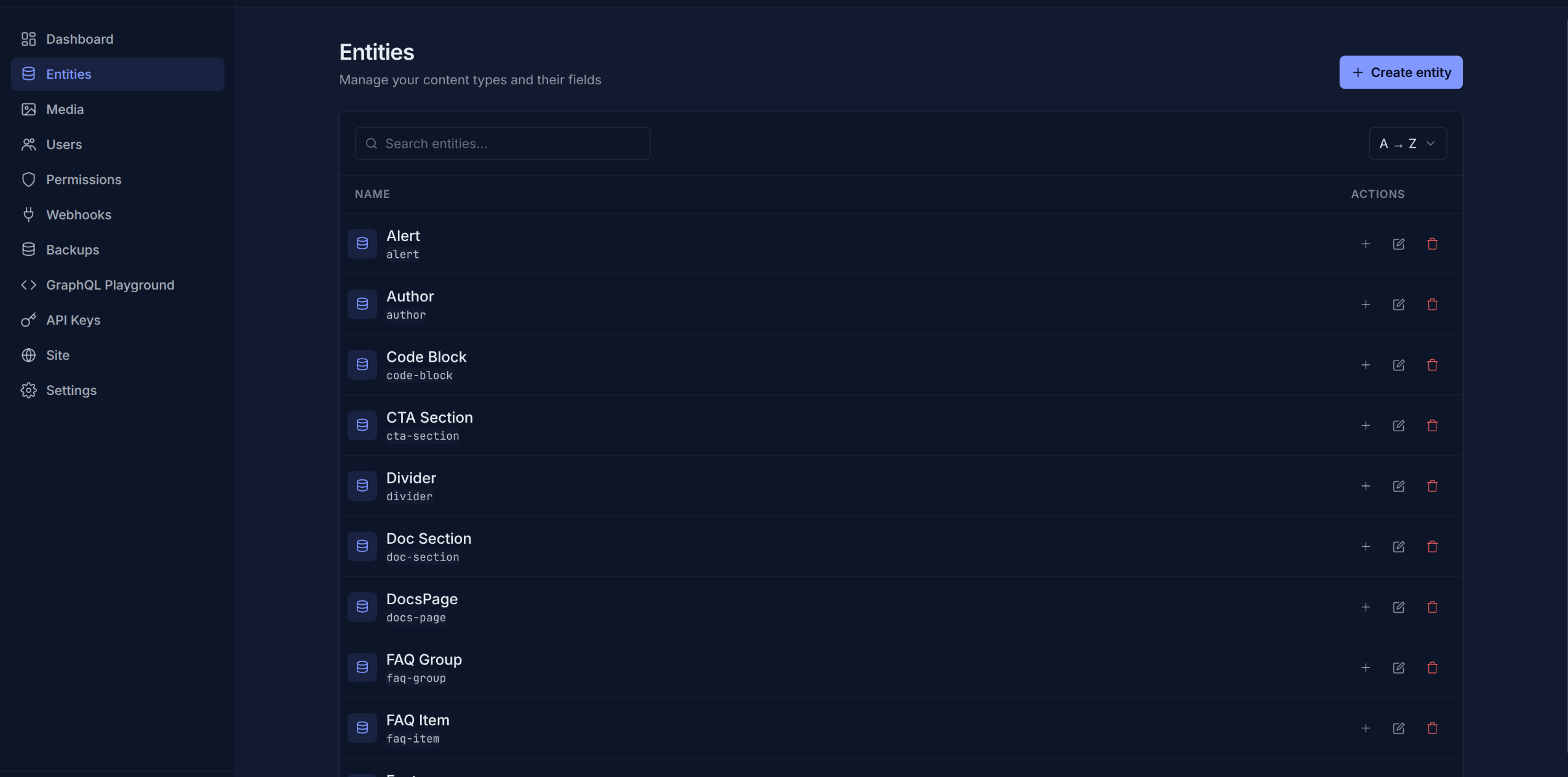
DynapiCMS is a headless CMS. Define content types with fields and relations — the platform builds an editor panel and a typed GraphQL API from that description. No backend code for content.
Editors get a simple panel for texts, media and publishing; developers get filters, sorting and relations in the API. Change the schema on the fly: a new field appears in the panel and the API at once, no restarts.
Features
Content types that fit your data
Describe fields and relations once — the panel and the API build themselves and update on the fly.
Relations between records
A product links to its category, an article to its author. Related records are read in a single API query.
GraphQL API out of the box
Typed queries with filters, sorting and pagination — the frontend reads data directly.
Roles and permissions
Some change structure and settings, some write content, some only read — everyone stays in bounds.
Forms and flows, no code
Email, webhooks, Telegram, member zones — site dynamics assembled in the flow editor.
Localization
Every text is maintained in all your project's languages — side by side in one card.
A panel for editors — an API for developers
The panel is built for daily content work: drafts and publishing, a media library, all languages in one card. Roles and permissions set the boundaries — who changes the structure and settings, who writes texts, who only reads.
Developers get a GraphQL schema that builds itself: types, relations, filters, sorting and pagination are generated from the content model. A typo in a field name fails at parse time, not in production. The docs cover the rest.
Site forms and logic — no backend
Site dynamics are flows. Web forms that send email, Telegram notifications, webhooks to external services, member-only zones — all configured in the flow editor, no code. A contact form, a survey or a subscription is fields plus one notification email, not a backend task.
The Forms section has a live example.
Publishing: a subdomain or your own domain
The finished site assembles right from the project: routes, templates and flows from the Site section, content from your records. No server needed — the site starts on a name.dynapi.ru subdomain, and a custom domain connects via a DNS record with automatic HTTPS. Free for the first 14 days.
The Site section covers how publishing works.
Works with your AI agent
DynapiCMS is agent-ready: hand the routine to an AI agent your team already runs — Claude Code, Codex, Qwen Code, or anything with API access. Skills and documentation teach the agent to define content types, build pages and forms, and run the site through the same APIs and permissions a person uses.
Start with the AI and agents section.
Pricing
Free
- 100 records
- 50 content types
- 2 users
- Roles & permissions
- 100 MB storage
- 250 API reads/hr
- 25 API writes/hr
Starter
- 5,000 records
- 75 content types
- 5 users
- Roles & permissions
- 2 GB storage
- 12,500 API reads/hr
- 1,250 API writes/hr
- 5 backups
- 3 webhooks
Pro
- 15,000 records
- 150 content types
- 25 users
- Roles & permissions
- 6 GB storage
- 40,000 API reads/hr
- 4,000 API writes/hr
- 10 backups
- 25 webhooks
Business
- 50,000 records
- Unlimited content types
- 100 users
- Roles & permissions
- 20 GB storage
- 125,000 API reads/hr
- 10,000 API writes/hr
- 20 backups
- Unlimited webhooks
- Priority support
Add-ons
Site Hosting
- Free for the first 14 days
- Public site on a subdomain or your domain
- Flows, Liquid templates, static files
- No extra charges for traffic or page views
- Works with any plan